
How to Search Cases by Name
Minnesota Court Records Online is the statewide public portal. It covers Redwood County District Court cases. Its Case Search works with Person, Business, Attorney Name, Case Number, Citation Number, and Attorney Bar Number. For a person, type the last name first, then the first. A middle name is an option. Apply the Redwood County location filter. Add a date, status, or category filter too, since a broad result list means little on its own.
- Open MCRO Case Search and select Person, Business, or Attorney Name.
- Enter the available name and restrict Court Locations to Redwood County where appropriate.
- Add Date Filed, Case Status, or Case Category filters to narrow the public result set.
- Open the matching Case Details record and compare its case type, filed date, and event history.
| Field Label | Type | Required | Notes |
|---|---|---|---|
| Last and first name | Text | For a person search | Middle name is optional. |
| Business or attorney | Text | No | Separate search route when applicable. |
| Case status and category | Filter | No | Use with a county filter to reduce results. |
| Date Filed | Date | No | Exact On date or a date range. |
Redwood County Case Lookup Browser Tips
MCRO runs on reCAPTCHA, and a few habits keep the challenge from failing. Use a current Chrome, Firefox, Safari, or Edge browser. Click slowly, and clear cache or cookies when trouble starts. Skip private mode or a VPN if it blocks the challenge. Inside the portal, use the breadcrumbs and the Clear button for a new query. Avoid the browser Back button. These habits keep a Redwood County case lookup precise. They also let you explain the exact search to Court Administration if an official follow-up ever becomes necessary.
How to Search by Case Number
A complete file number is the strongest way into a known Redwood County case. Minnesota file numbers combine a county identifier, a case-type code, a two-digit filing year, and a sequence. Redwood uses county code 64. You might see 64-CR-26-#### on a criminal route or 64-CV-26-#### on a civil one. MCRO accepts dashes and leading zeroes but not spaces. A partial number can fail or return nothing useful.
Redwood County Case Lookup After MPA
MCRO replaced MPA Remote on April 17, 2023. That matters for a Redwood County case lookup. Older instructions still name the retired system or describe a different interface. Start any current search with MCRO and its live help materials. For public material the remote system does not display, a courthouse terminal remains the fallback. The MCRO launch announcement records the statewide search transition.
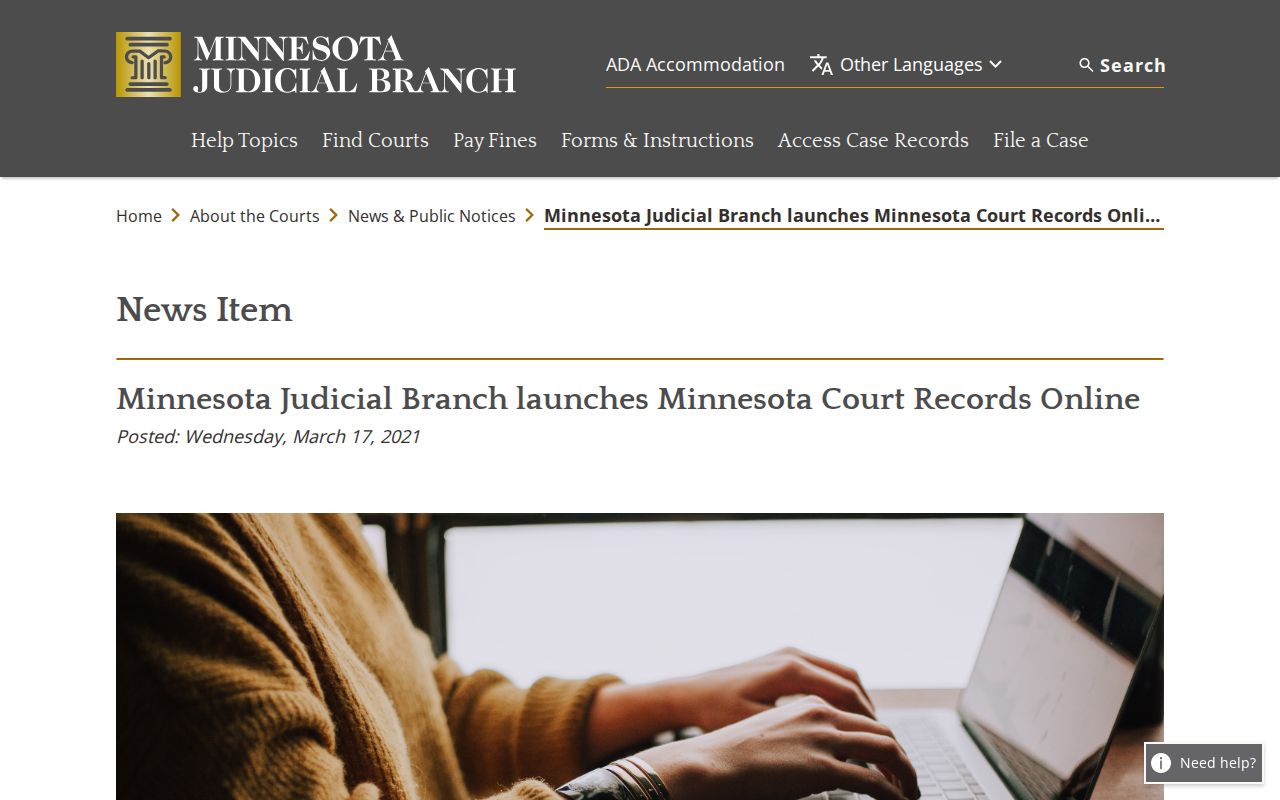
Because of the switch, a current Redwood County case lookup belongs on the new public portal. The retired search name no longer applies.
What a Case Search Shows
MCRO results open into Case Details. It sorts public information into Overview, Case Information, parties, events, hearings, dispositions, financial information, and other case-specific fields. A case search does not make every public document downloadable. An index number may have no attachment at all. Read an event or hearing label in its record context. A label alone is not a final result.
| Case number and title | File identifier and public case title or caption. |
|---|---|
| Case type and filed date | Category and the case’s recorded filing date. |
| Venue and officer | Location and judicial-officer field where displayed. |
| Events and hearings | Chronological Register of Actions entries and published settings. |
| Status and disposition | Open or closed status and public resolution fields, if any. |
Redwood County Case Search Modes
MCRO splits its tools into Case, Document, Hearing, and Judgment searches. Document Search needs the exact case number. It can return public attachments in reverse chronology. Hearing Search accepts party, business, case, officer, attorney, date, category, and location fields. Judgment Search sticks to monetary judgment information. Each mode answers a narrower question than a broad Redwood County case lookup. The Hearing and Judgment Search announcement documents the expanded MCRO tools.
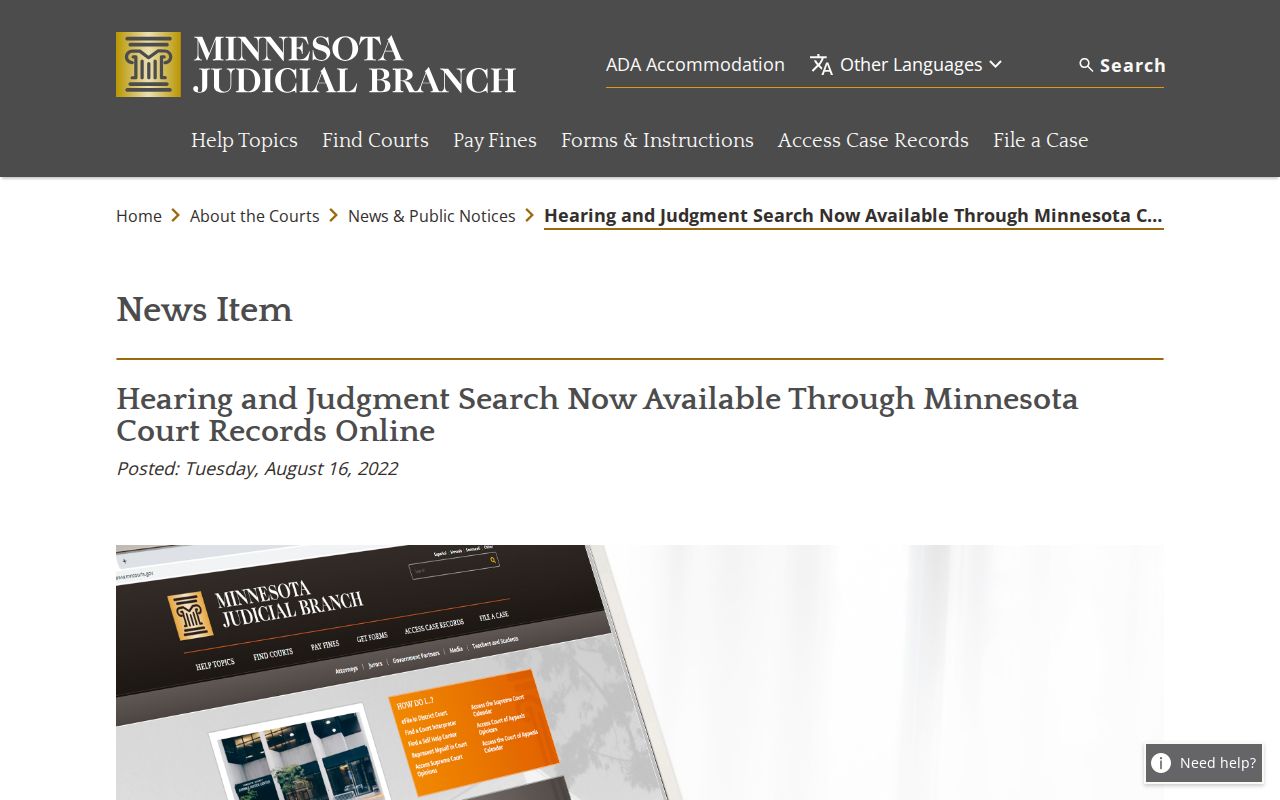
The added modes help locate a public hearing or a monetary judgment. Neither result stands in for the whole court file.
County vs Statewide Case Search
MCRO is one statewide system, not a separate Redwood County vendor portal. When the filing county is uncertain, search statewide first. Then narrow to Redwood County for a local file. The Redwood daily calendar is a different local tool, built for scheduled public hearings. P-MACS is separate again, covering Minnesota appellate records. And eFS serves authorized filers, not public searchers.
| MCRO statewide search | Redwood County filtered search |
|---|---|
| Available public Minnesota district-court records across locations. | Available public records limited to the Redwood County location. |
| Useful when the venue or filing county is uncertain. | Useful for a known local case and a shorter result list. |
| Still subject to case-type, privacy, date, and name-display limits. | Still subject to the same limits and to local record-access fallbacks. |
Redwood County Case Lookup and eFS
Minnesota Judicial Branch eFile and eServe is a filing and service system for authorized filers. It is not the public portal for browsing a Redwood County case. A public user should start with MCRO. A courthouse terminal or Court Administration can help if needed. An eFS document link may require a valid email. It is not the same as a public docket link. Minnesota eFile and eServe guidance explains the filer system.
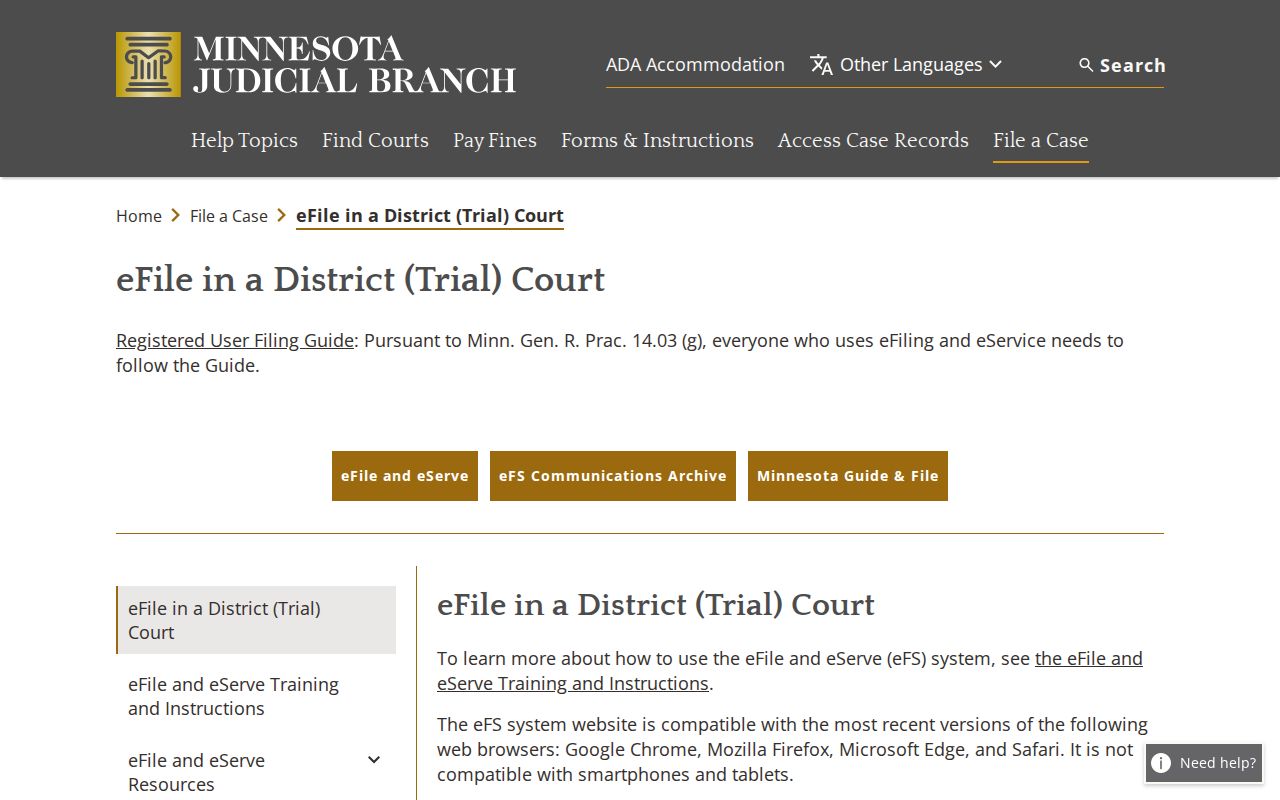
Filing a case and looking one up are two different acts in Redwood County. The Minnesota eFS filer portal handles the first: lawyers and self-represented parties submit court filings through it, and the clerk of court receives them electronically. That channel is controlled, so it does not double as a public case lookup.
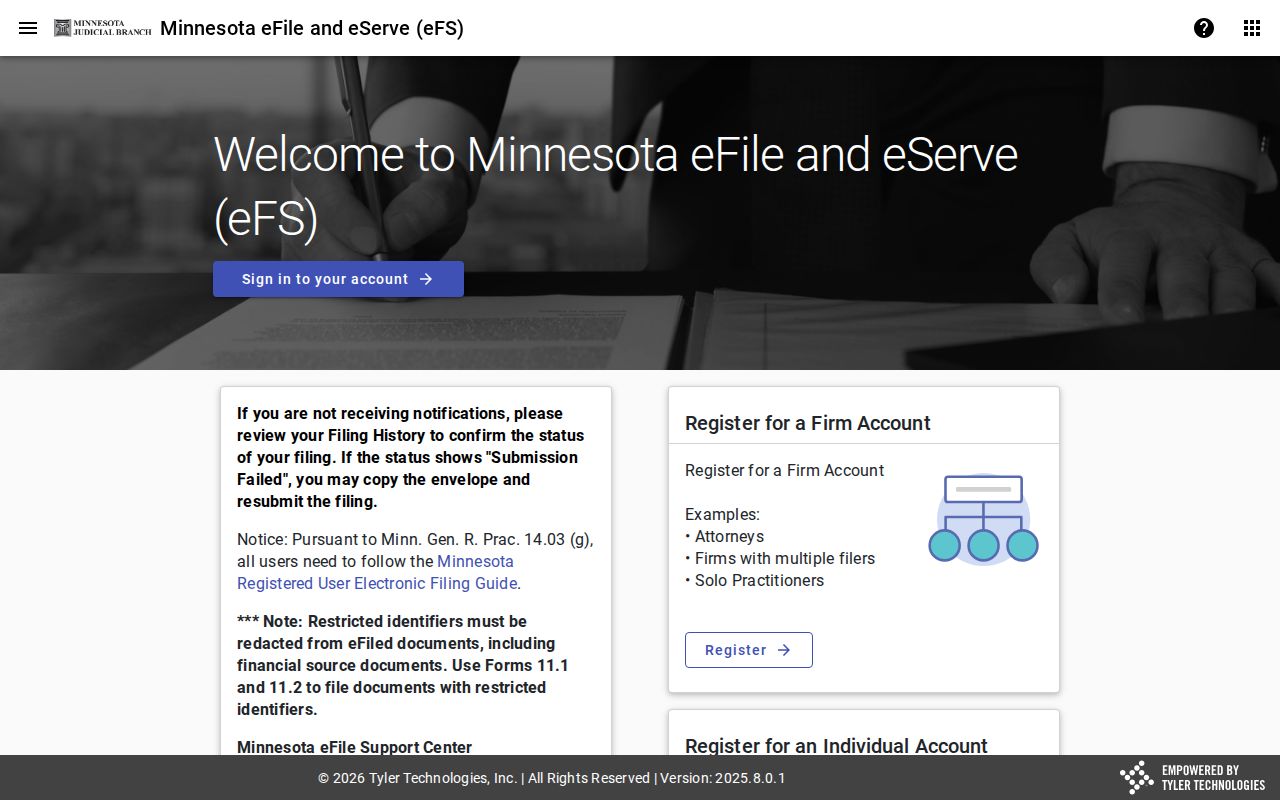
The filer portal replaces nothing. MCRO, the Redwood terminal, and Court Administration remain the public routes.
Restricted Cases and Access Rules
Some public court material is not displayed remotely. Some case categories or documents are nonpublic. The public-access rules restrict juvenile, domestic-abuse, harassment, medical, expunged, protected, and other records. "Name Not Available Online" describes a display limit, not the absence of a case. A missing MCRO result can reflect a pending-criminal name rule. It can also stem from retention, a restricted category, or electronic availability limits. For broader public electronic access, use the courthouse terminal. Then contact Redwood County District Court Court Administration. Ask for the correct identity-verification or confidential and sealed-record process. Never try to bypass a restriction by switching search fields.
Redwood County Case Search Expansion
In 2023, upgrades to MCRO opened the Register of Actions to the public. That access used to require a trip to the courthouse. Document downloads, hearing search, and judgment search all joined the toolbox. The help page from the courts states the point plainly. Documents accessed or downloaded through MCRO carry no charge. There is one catch worth knowing. A downloaded or printed result is not a certified court copy. Rules still govern what is available remotely. The MCRO enhancements announcement lays out what changed and why the courts made the expansion.
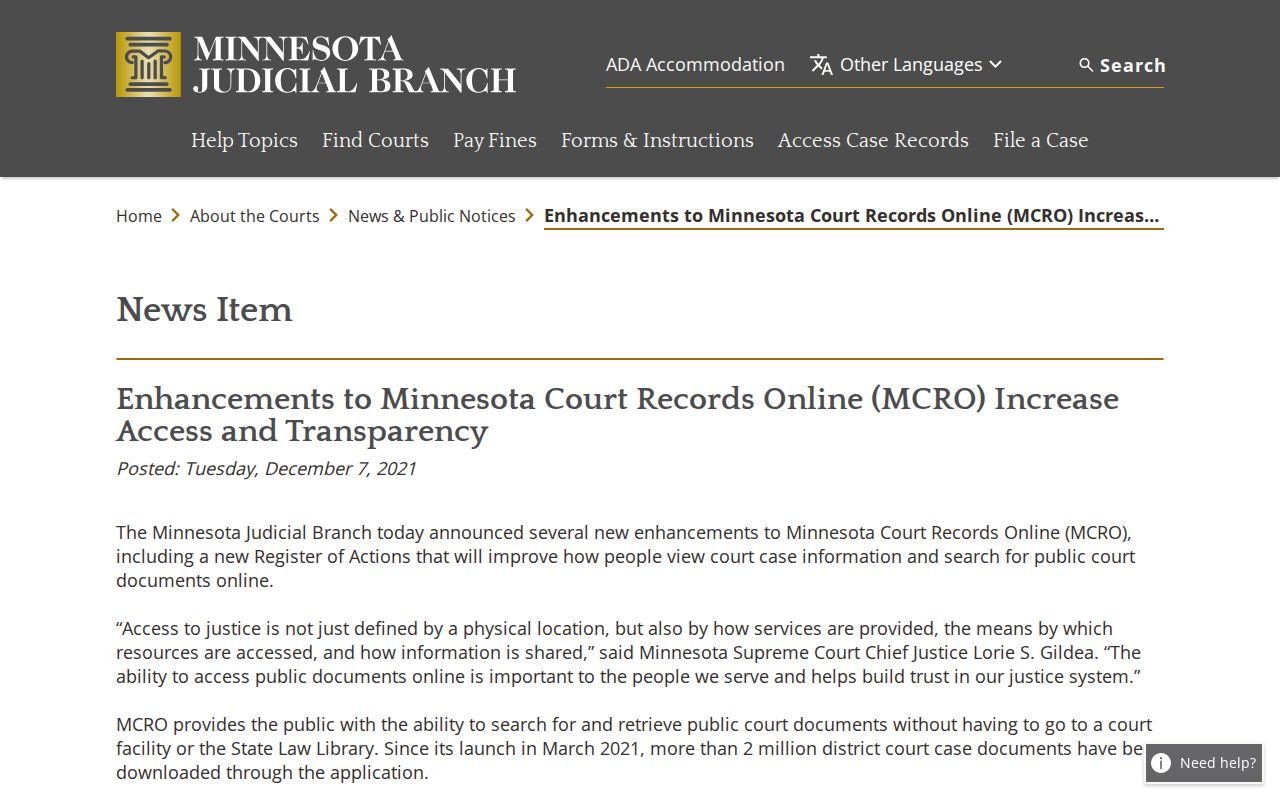
The upgrades make a Redwood County case lookup easier. They do not lift the access limits on any single record.
Redwood County Case Lookup Result Limits
MCRO caps results at 200. A common last name will hit that wall fast. Narrow things instead. A Redwood County filter, a case category, a filing-date range, and a status filter beat one broad sweep every time. Sort results newest-first or oldest-first as needed, then open a result card for Case Details. Write down the exact filters you used, because a clear follow-up question needs them.
Redwood County Case Document Search
Document Search wants the exact court file number. Give it that, and results arrive in reverse chronological order. Each result can display the case number, title, and document name. A View Document link appears too. Here is the trap. An index entry with no attachment does not mean the event never happened. It usually means no public remote attachment exists for that file or class of record.
Redwood County Case Terminal Access
Some records simply are not online. For those, the courthouse public-access terminal is the documented fallback, offering statewide electronic access under Judicial Branch rules. Local Court Administration can also point you to a public paper file, the right copy type, or the route for restricted records. P-MACS stays separate, serving appellate matters.
Redwood County Case Lookup Troubleshooting
MCRO runs on reCAPTCHA and works with current Chrome, Firefox, Safari, and Edge. If a search stalls, hit the portal's Clear control. Then start over. Use the portal breadcrumbs rather than the browser Back button. A cleared cache or cookies plus a supported current browser can get you past a challenge. After a missed result, resist opening several fields at once. Note the search type, county, date range, status, and category each time. The next attempt then stays specific. So does any Court Administration question.
A pending criminal case can stay hidden under a defendant-name search until conviction. Try a citation number instead. The full case number, an attorney name, or a bar number also works. "Name Not Available Online" marks a public-access display limit, nothing more. It is not proof the court file is missing. An active warrant flag can also tie to another party case. Open the case-level Warrant information first. Do not draw conclusions from a result card.
When MCRO returns nothing remote, try the public terminal at the Redwood courthouse. It may hold more electronic detail. Redwood County District Court Court Administration can sort out a local paper file. It can also map a copy route. That chain of fallbacks respects Minnesota's separate rules for remote access, court inspection, and certification.
For a Minnesota appellate case, go to P-MACS rather than MCRO. Federal matters run through PACER. Keeping those systems straight matters. It keeps a failed statewide District Court lookup from turning into a false claim that no court record exists.
Document Search shines when you have an exact Redwood file number. Results come reverse chronological, showing a document name, index number, and View Document option where available. Remember that an index entry never guarantees a public download. A hearing result lists hearing type and date. A judgment result zeroes in on judgment details. Printouts work fine for reference, but a printed portal record is never a certified copy.